
Authentication
Manage how you access AI Sales Service.
Login
Access your account with email and password.
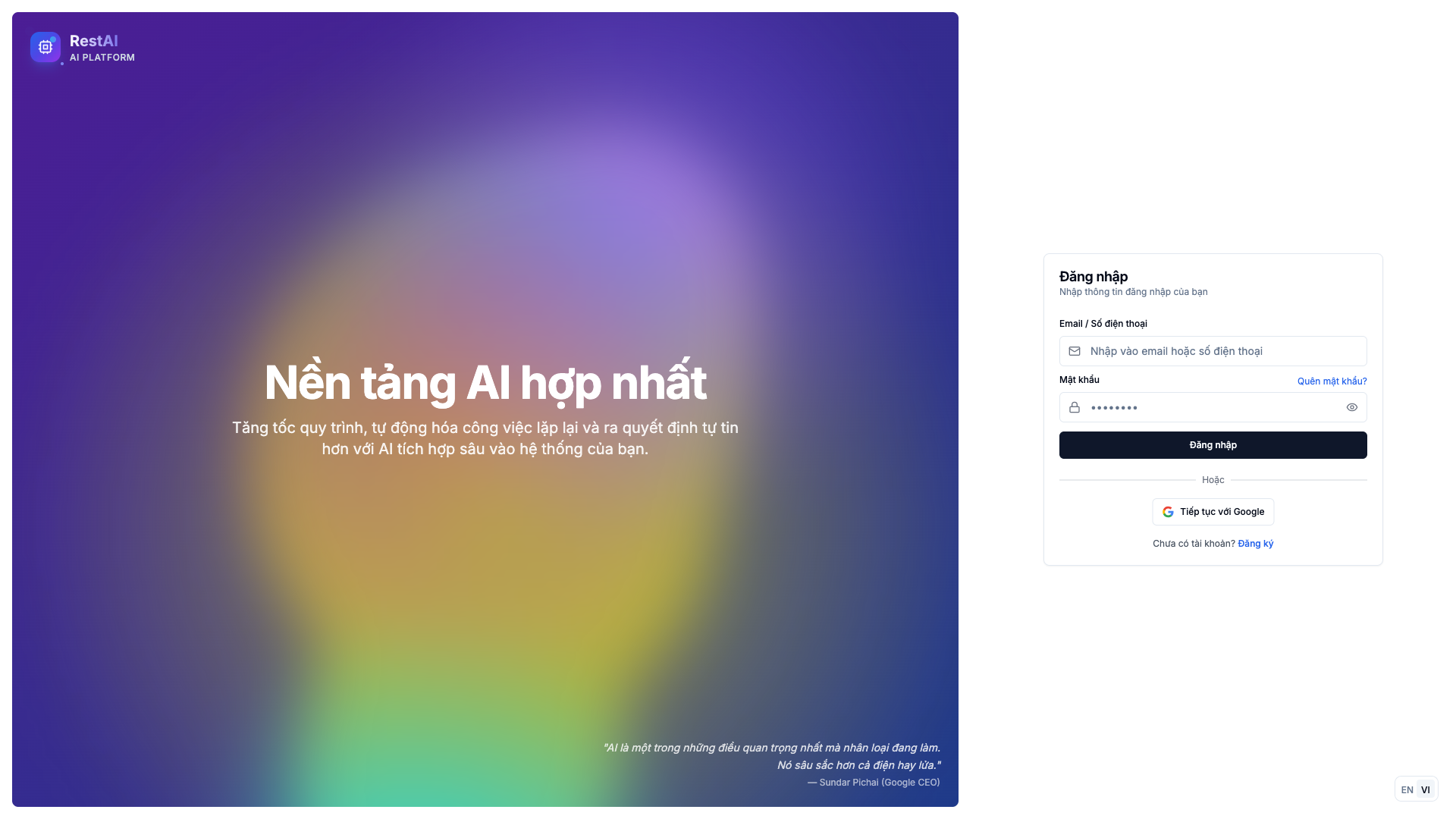
- Go to the login page
- Enter your email address
- Enter your password
- Click Sign In
Password Management
Changing Password
- Go to Settings > Profile
- Click Change Password
- Enter current password
- Enter new password
- Confirm new password
- Save changes
Password Requirements
- Minimum 8 characters
- At least one uppercase letter
- At least one number
- At least one special character
Forgot Password
If you can't remember your password:
- Click Forgot Password on login page
- Enter your email address
- Check your email for reset link
- Click the link and set new password
Session
Your login session remains active for 24 hours. After that, you'll need to log in again.
Security Tips
- Use a strong, unique password
- Don't share your login credentials
- Log out when using shared computers
Related
- Settings - Account settings
- Organization - Team access