
Datasets
Bundle documents for campaign assignment
Datasets are bundles of documents that can be assigned to campaigns. They define what knowledge AI Agents have access to when writing emails.
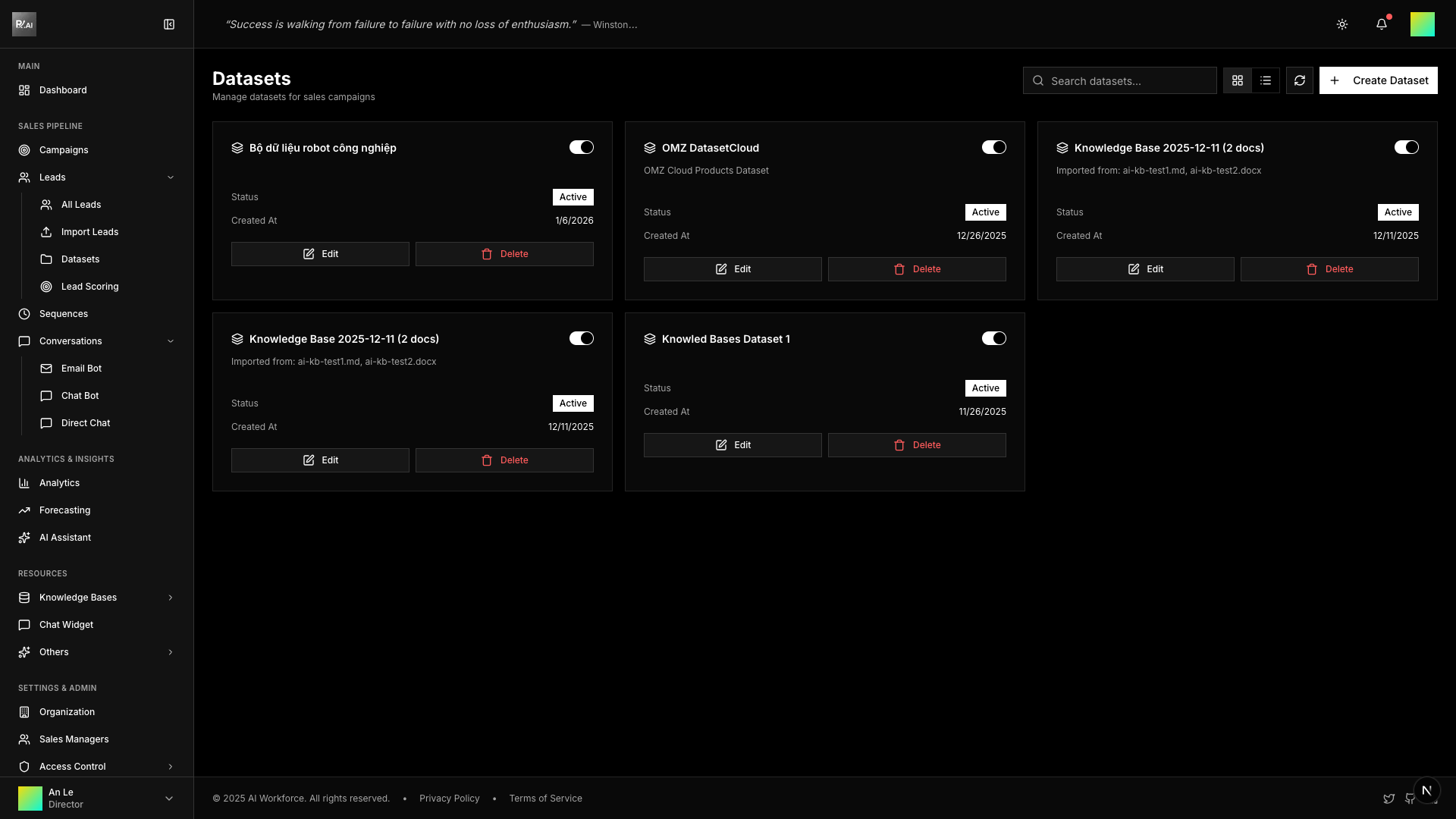
What is a Dataset?
A dataset is a reusable collection that groups documents together. When you assign a dataset to a campaign, all documents in that dataset become available to AI Agents.
Create focused datasets for different products, services, or use cases. This allows you to give AI Agents only the relevant knowledge for each campaign.
Creating a Dataset
- Go to Knowledge Bases > Datasets
- Click Create Dataset
- Enter name and description
- Choose how to include documents:
- By Documents - Select individual files
- By Folder - Include all documents in a folder
- By Tag - Include all documents with a specific tag
- Click Create
Dataset Properties
| Property | Description |
|---|---|
| Name | Identifier for the dataset |
| Description | What knowledge this dataset contains |
| Selection Type | Documents, Folder, or Tag |
| Active | Whether dataset can be assigned to campaigns |
| Created | When dataset was created |
Selection Types
By Documents
Manually select specific documents to include. Best for:
- Curated collections
- Cherry-picking key files
- Combining documents from different folders
By Folder
Automatically include all documents in a folder. Best for:
- Product-specific knowledge
- Department documentation
- Keeping datasets in sync as documents are added
By Tag
Include all documents with a specific tag. Best for:
- Cross-folder collections
- Dynamic groupings
- Topic-based organization
Managing Datasets
Edit Dataset
- Click the Edit button on a dataset card
- Modify name, description, or document selection
- Save changes
Toggle Active Status
Use the switch on each dataset card to enable/disable it. Inactive datasets cannot be assigned to new campaigns.
Delete Dataset
- Click the Delete button
- Confirm deletion
Deleting a dataset does not delete the documents inside it. Campaigns using this dataset will lose access to its knowledge.
Best Practices
- Name clearly - Use descriptive names like "Product X - Technical Specs"
- Keep focused - One dataset per product/topic is better than one giant dataset
- Use folders - For automatically updating collections
- Review regularly - Ensure datasets contain current information