
Chat
Test your knowledge base with conversational AI
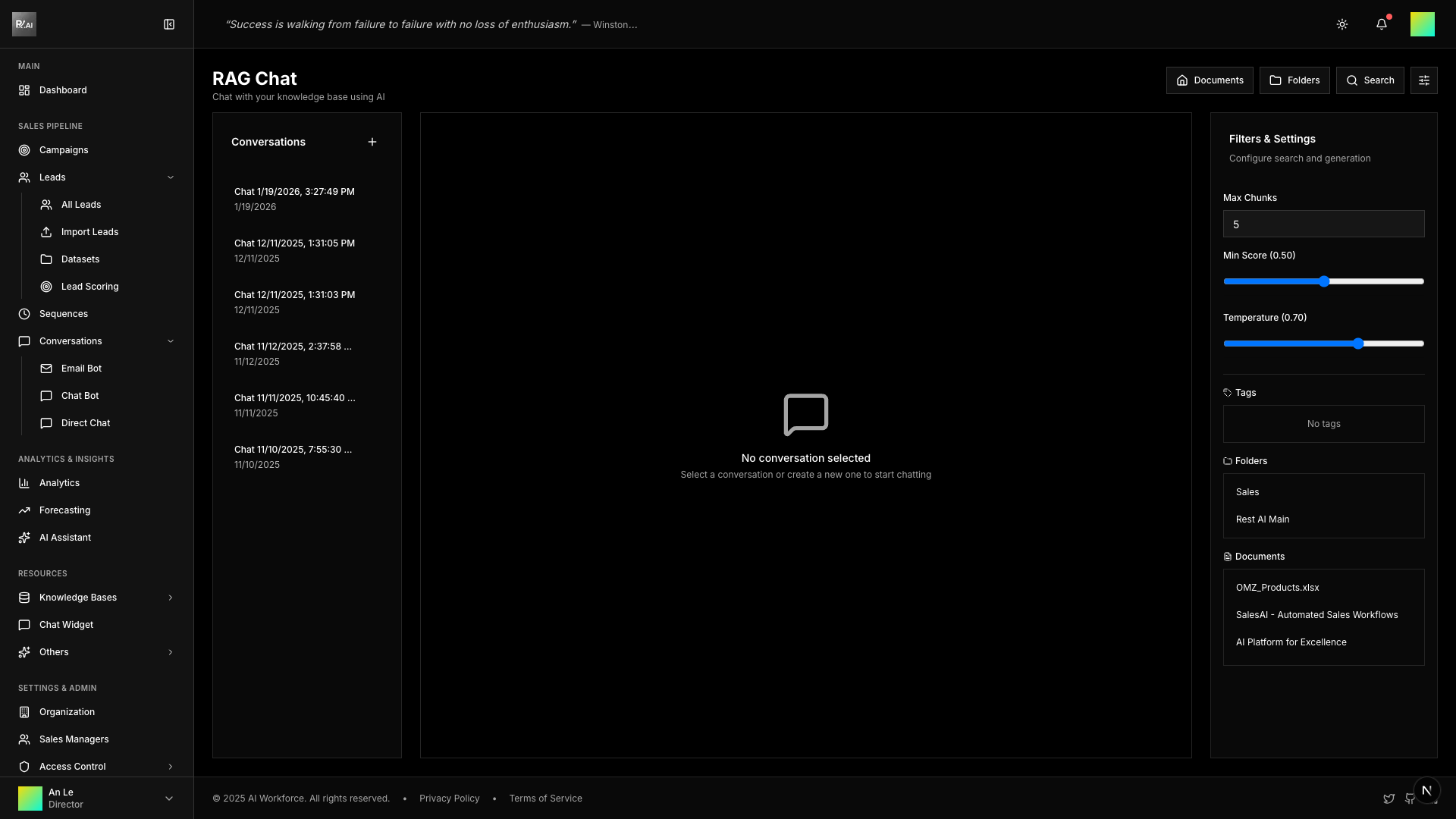
Chat lets you have conversations with an AI that has access to your knowledge base. Use it to test how well your documents answer questions.
Why Use Chat?
- Test knowledge - Verify documents answer common questions
- Find gaps - Discover missing information
- Preview AI responses - See how AI Agents might respond
- Train your team - Quick access to company knowledge
Starting a Conversation
- Go to Knowledge Bases > Chat
- Click New Conversation
- Type your question
- Press Enter or click Send
The AI searches your knowledge base and responds using relevant documents.
Conversation Management
Previous Conversations
All conversations are saved in the sidebar. Click any conversation to continue it.
Delete Conversation
- Hover over conversation in sidebar
- Click delete icon
- Confirm deletion
Chat Filters
Control what knowledge the AI can access:
- Tags - Limit to documents with specific tags
- Folders - Use documents from specific folders
- Documents - Restrict to specific files
Use filters to simulate how AI Agents will respond in campaigns with specific datasets assigned.
Chat Settings
Max Chunks
How many document segments to retrieve (1-20). More chunks provide more context but may slow responses.
Min Score
Minimum relevance score for retrieved chunks (0.0-1.0). Higher values mean stricter relevance filtering.
Temperature
Controls response creativity (0.0-1.0):
- 0.0-0.3 - More factual, deterministic
- 0.4-0.7 - Balanced (recommended)
- 0.8-1.0 - More creative, varied
Understanding Responses
The AI:
- Searches your knowledge base for relevant chunks
- Uses those chunks as context
- Generates a response based on the context
- Cites sources when possible
If the AI can't find relevant information, it will indicate that the answer isn't in the knowledge base.
Best Practices
- Ask like a customer - Use questions your leads might ask
- Test edge cases - Try questions that might stump the AI
- Verify accuracy - Check responses against source documents
- Iterate - If responses are poor, improve your documents